Login/Logout
The Login & Logout functionality in Uniconnect AI is designed to provide secure, flexible, and trackable access to the system. With multiple authentication options and support for different working environments, users can easily access Uniconnect AI while organizations maintain strong security and accurate activity tracking.
1. Supported Login Methods
Uniconnect AI supports multiple login options to suit different operational needs:
1.1 Built-in Login (Username & Password)
This is the default authentication method.
Steps to Log In:
- Open the Uniconnect AI Login Page via your web browser.
- Enter your Username and Password.
- Click Log In.
- You will be redirected to the Dashboard upon successful authentication.
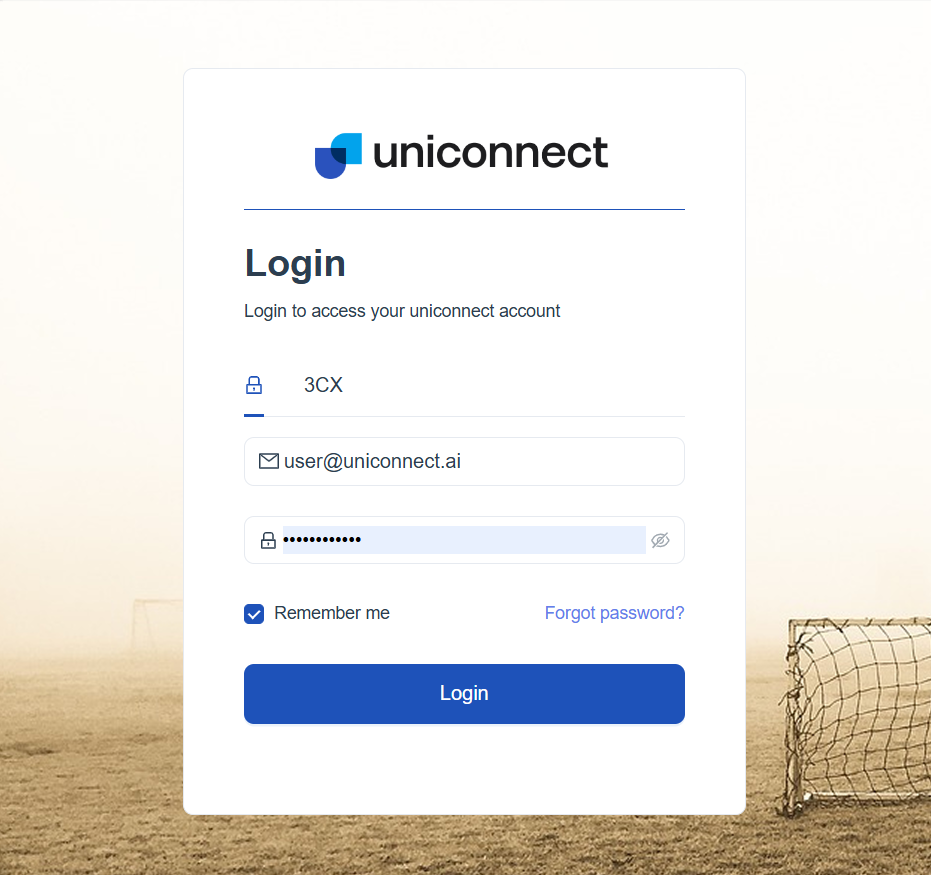
1.2 Integrated Telephony Login (e.g., 3CX)
For contact center environments, Uniconnect AI can integrate with telephony systems such as 3CX.
How it works:
User selects the sign-in option for the telephony platform (e.g., 3CX). The telephony system automatically authenticates the user and logs them into Uniconnect AI.
- Reduces the need for multiple logins across systems.
- Ensures synchronized agent activity between telephony and Uniconnect AI.
Steps to Log In:
- Open the Uniconnect AI Login Page via your web browser.
- Select the telephony plugin integrated to Uniconnect AI (Ex. 3CX)
- Enter your telephony user credentials.
It is required to pre-configure the telephony platform and enable the plugin before using telephony credentials to access Uniconnect AI. For more details on telephony integrations, please refer to the telephony documentation.
1.3 Single Sign-On (SSO) – Coming Soon
Uniconnect AI will support modern SSO providers, including:
- Microsoft Authentication
- Google Authentication
Expected Benefits:
One-click secure login Reduced password management Centralized identity control
2. Accessing Uniconnect AI
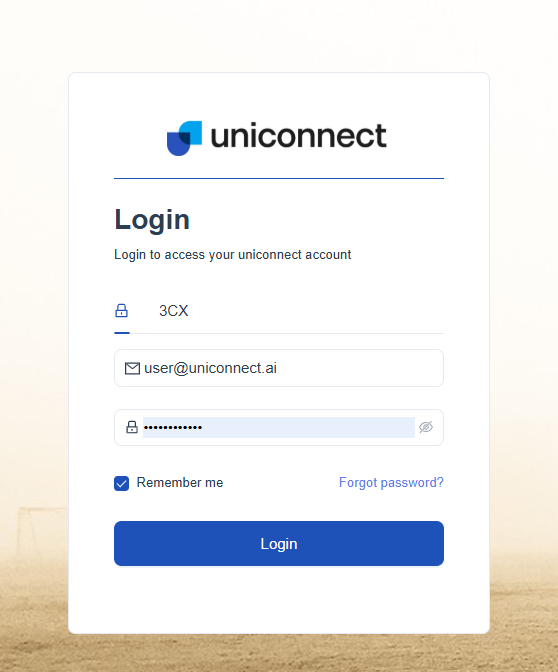
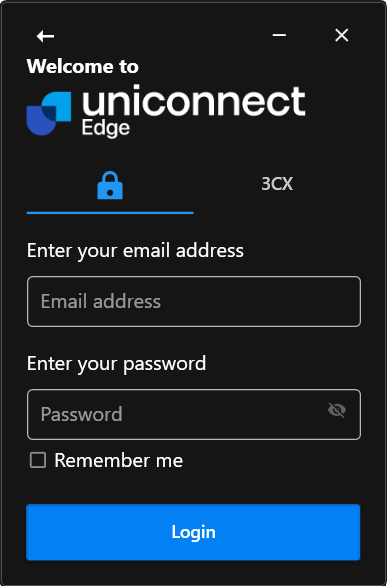
Login options are available on both Uniconnect AI Web and Uniconnect AI Edge (Windows-based Unified Agent Desktop), supporting all sign-in methods (username/password, telephony credentials, Microsoft, Google, etc.).
- Web Browser Access
- Uniconnect AI Edge – Unified Agent Desktop
3. Logging Out
Properly ending the session is essential for both security and accurate tracking.
Users should log out at the end of their shift or when leaving their workstation. The system may automatically log out users after a period of inactivity.
Why Login & Logout Matters
-
Security Prevents unauthorized access to sensitive data Protects user accounts and system integrity Ensures only authenticated users can perform actions
-
Accurate Activity Tracking Captures precise session start and end times Links user activity directly to authenticated sessions Supports audit logs and compliance requirements
-
Productivity Measurement Enables tracking of active working hours Aligns login sessions with shift schedules Provides reliable data for performance analytics
-
How Uniconnect AI Enhances User Activity Management
Uniconnect AI integrates login/logout with broader workforce activity features:
Session Tracking: Every login session is recorded and monitored System Integration: Syncs with telephony and (soon) SSO providers Real-Time Visibility: Supervisors can track active users instantly Analytics Ready: Session data feeds into productivity and performance reports Summary
Uniconnect AI’s Login & Logout functionality is more than just system access—it is a critical component of secure operations and effective workforce management. By combining flexible authentication options with robust tracking, Uniconnect AI ensures both ease of use and complete visibility into user activity.