Default Modules
Before creating something new, check whether it already exists. These CRM modules are available by default and are already fully configured. Open any module through Configuration → CRM → the module's card to view or extend its fields.
CRM includes 11 default modules:
Free ships with 4 core CRM modules · Starter and above unlocks Custom CRM Modules, the capability that lets an org add modules beyond that core set.
| Module | What it's for |
|---|---|
Contacts | Stores information about customers and other people. |
Organizations | Stores information about companies and other organizations. |
Tickets | Manages customer questions, requests, complaints, and support cases. |
Leads | Stores information about potential customers and business opportunities. |
Attachments | Stores files and documents attached to tickets. |
Comments | Stores notes and comments related to tickets. |
Campaign Uploads | Stores contact lists uploaded for outbound campaigns. |
Disposition | Records call outcomes and required follow-up actions. |
Groups | Organizes users into groups for access and management. |
Telephony | Contains voice calling connections and call settings. |
Users | Stores user accounts and login information. |
All 11 fall into three categories:
- Fully Configurable: Module, Fields, Layout Builder, and Dependencies can be edited.
- Fields Locked: fields are available, but editing and deleting are disabled.
- Display Only: only display configuration is available; custom fields cannot be added.
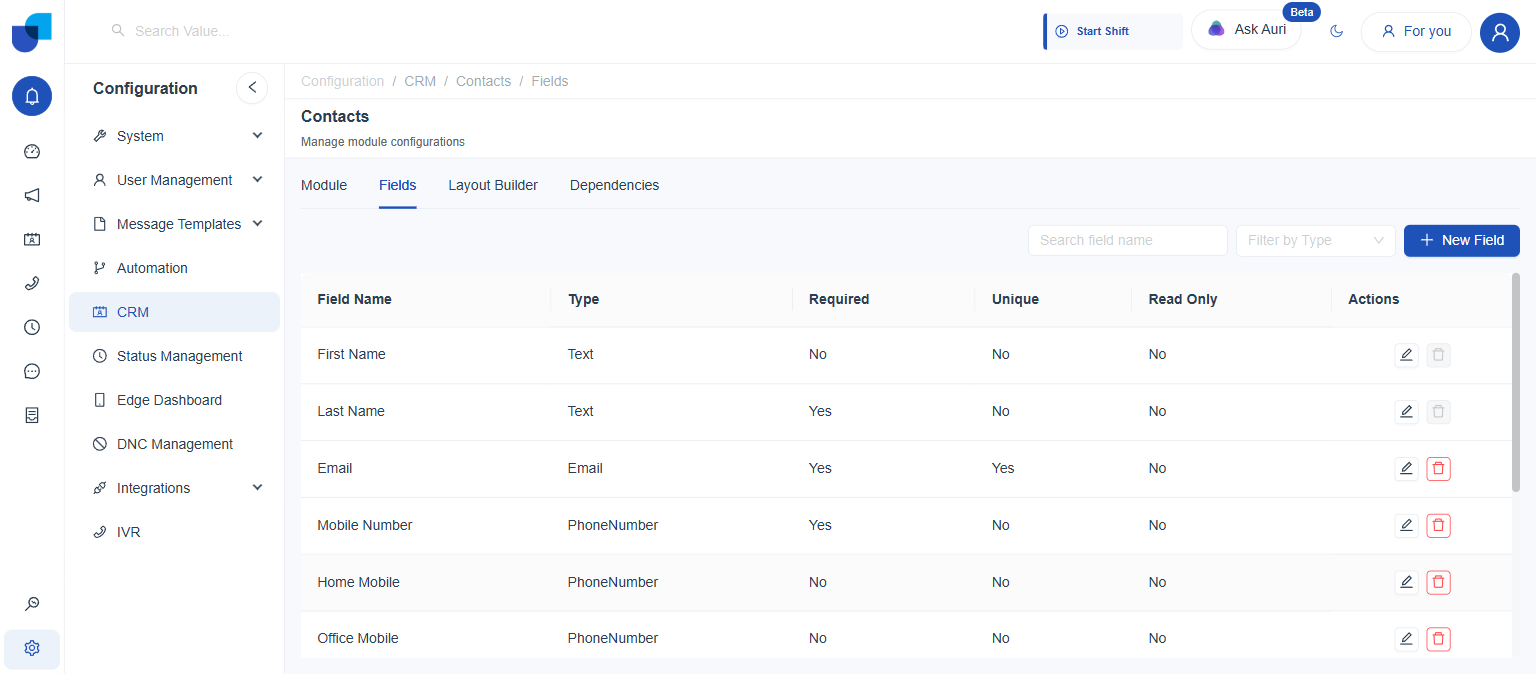
Contacts - Fully Configurable
| Source Type | Status | Hidden |
|---|---|---|
| Internal | Active | No |
| Field | Type | Required | Unique | Read Only |
|---|---|---|---|---|
| First Name | Text | No | No | No |
| Last Name | Text | Yes | No | No |
Email | Yes | Yes | No | |
| Mobile Number | PhoneNumber | Yes | No | No |
| Home Mobile | PhoneNumber | No | No | No |
| Office Mobile | PhoneNumber | No | No | No |
| Organization | Relationship | No | No | No |
| Tickets (system) | Reference | No | No | No |
| Created By / At, Updated At, Modified By, Id (system) | System | No | No | Yes |
Organizations - Fully Configurable
| Source Type | Status | Hidden |
|---|---|---|
| Internal | Active | No |
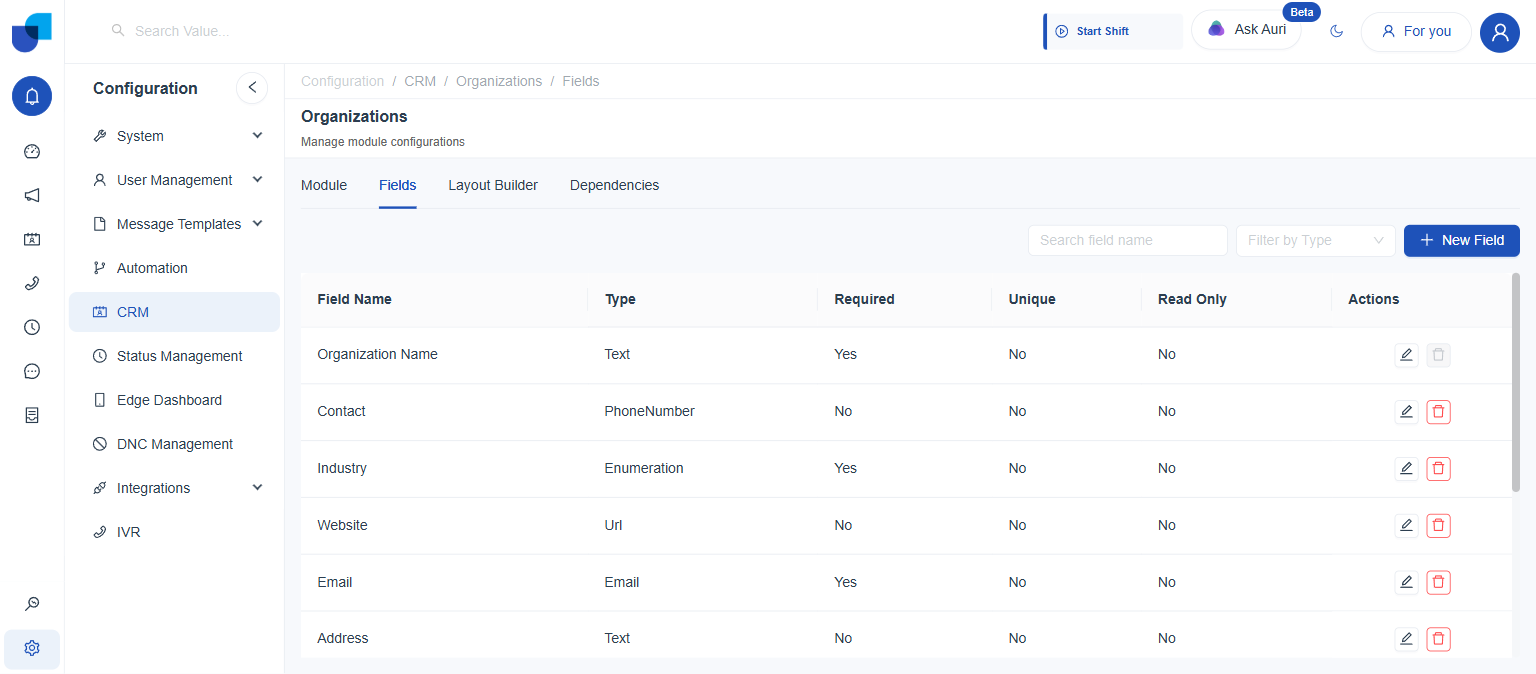
| Field | Type | Required | Unique | Read Only |
|---|---|---|---|---|
| Organization Name | Text | Yes | No | No |
| Contact | PhoneNumber | No | No | No |
| Industry | Enumeration | Yes | No | No |
| Website | Url | No | No | No |
Email | Yes | No | No | |
| Address | Text | No | No | No |
Tickets - Fully Configurable
| Source Type | Status | Hidden |
|---|---|---|
| Internal | Active | No |
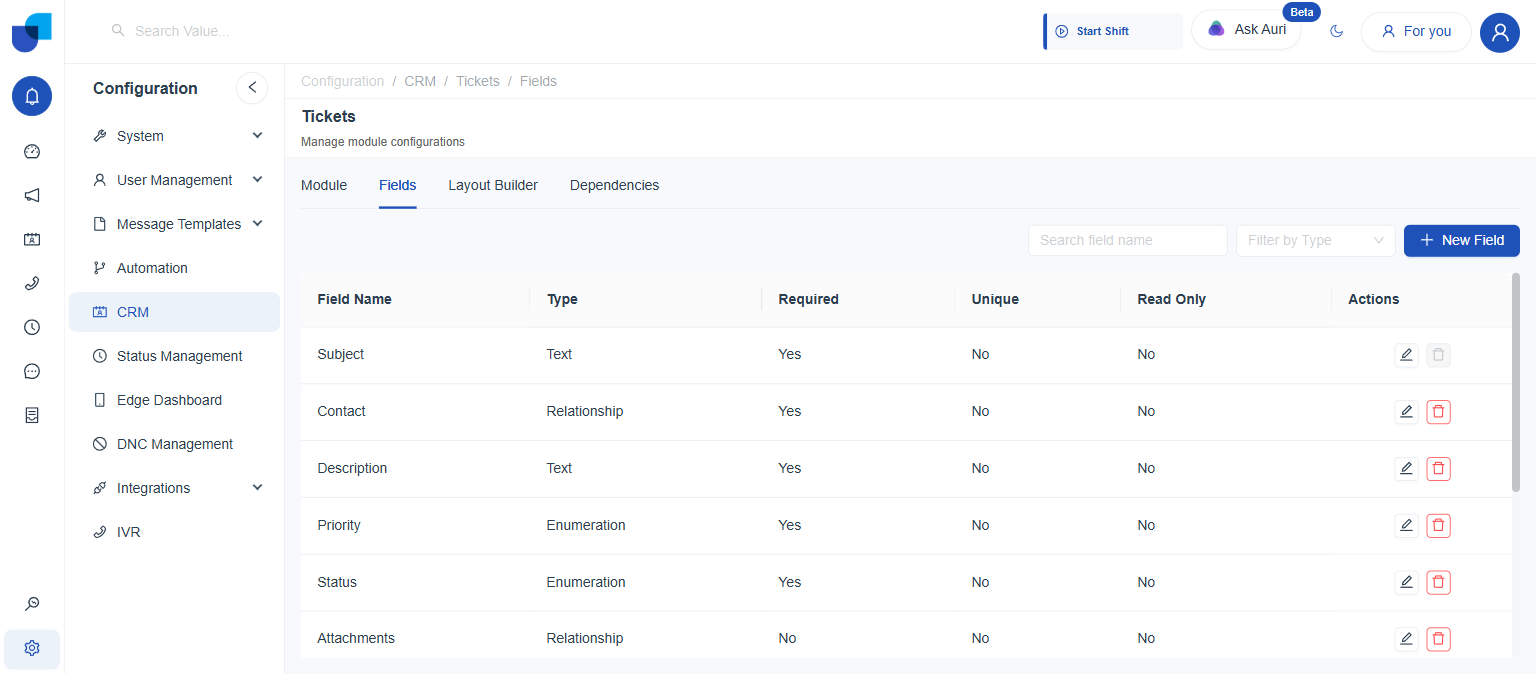
| Field | Type | Required | Unique | Read Only |
|---|---|---|---|---|
| Subject | Text | Yes | No | No |
| Contact | Relationship → Contacts (Many to One) | Yes | No | No |
| Description | Text | Yes | No | No |
| Priority | Enumeration | Yes | No | No |
| Status | Enumeration | Yes | No | No |
| Attachments | Relationship | No | No | No |
Leads - Fully Configurable
| Source Type | Status | Hidden |
|---|---|---|
| Internal | Active | No |
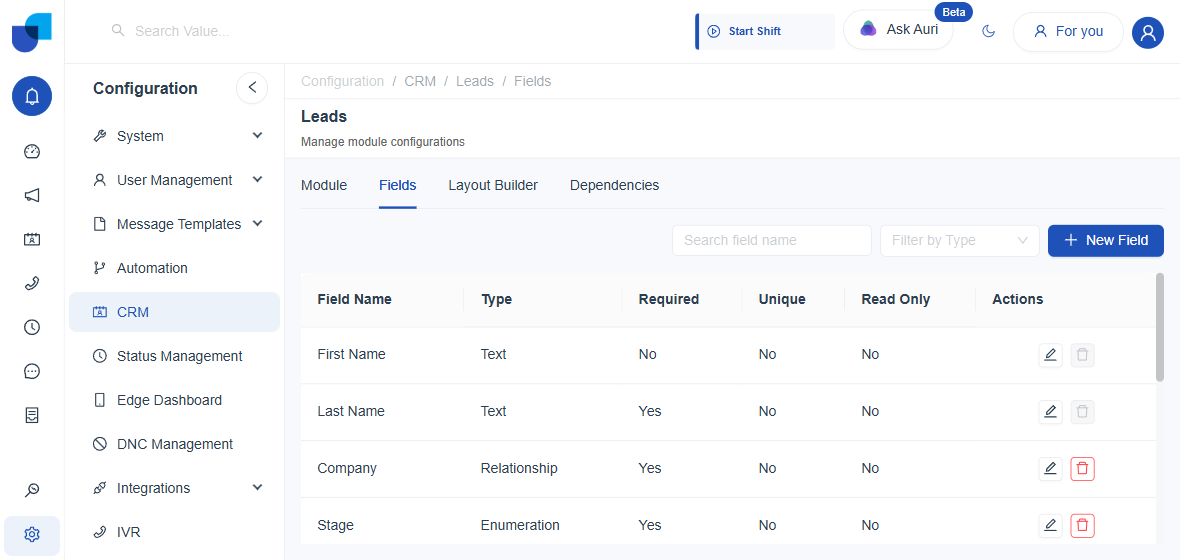
| Field | Type | Required | Unique | Read Only |
|---|---|---|---|---|
| First Name | Text | No | No | No |
| Last Name | Text | Yes | No | No |
| Company | Relationship | Yes | No | No |
| Stage | Enumeration | Yes | No | No |
| Phone Number | PhoneNumber | Yes | No | No |
| Created By / At, Updated At, Id (system) | System | No | No | Yes |
Attachments - Fully Configurable
| Source Type | Status | Hidden |
|---|---|---|
| Internal | Active | Yes |
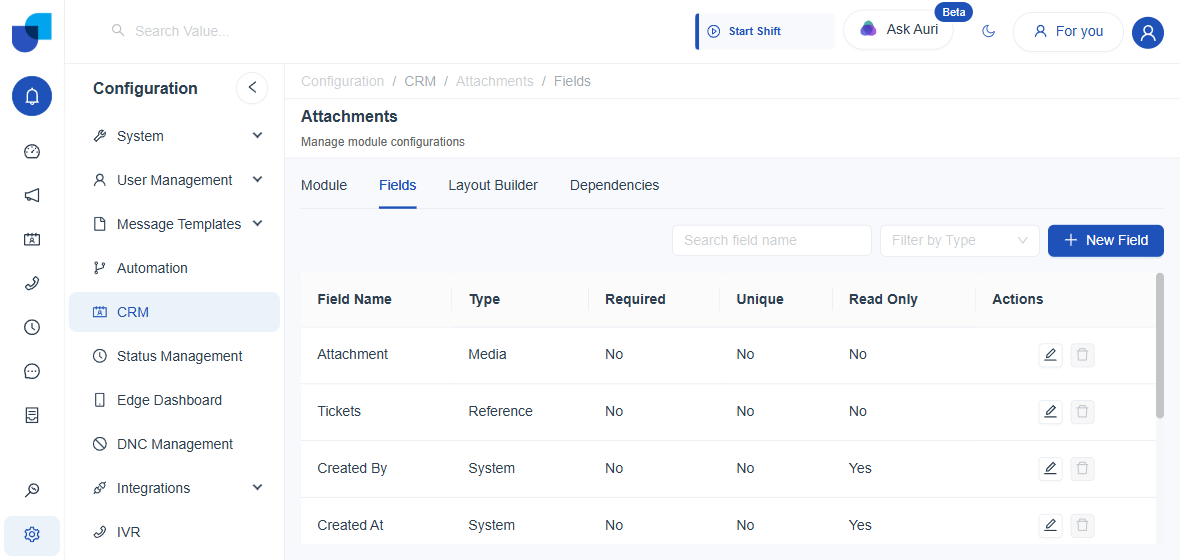
| Field | Allowing Media Types | Max File Size |
|---|---|---|
Attachment (Media) | All file types are allowed | Not configurable(Maximum file size:10 MB) |
Comments - Fully Configurable
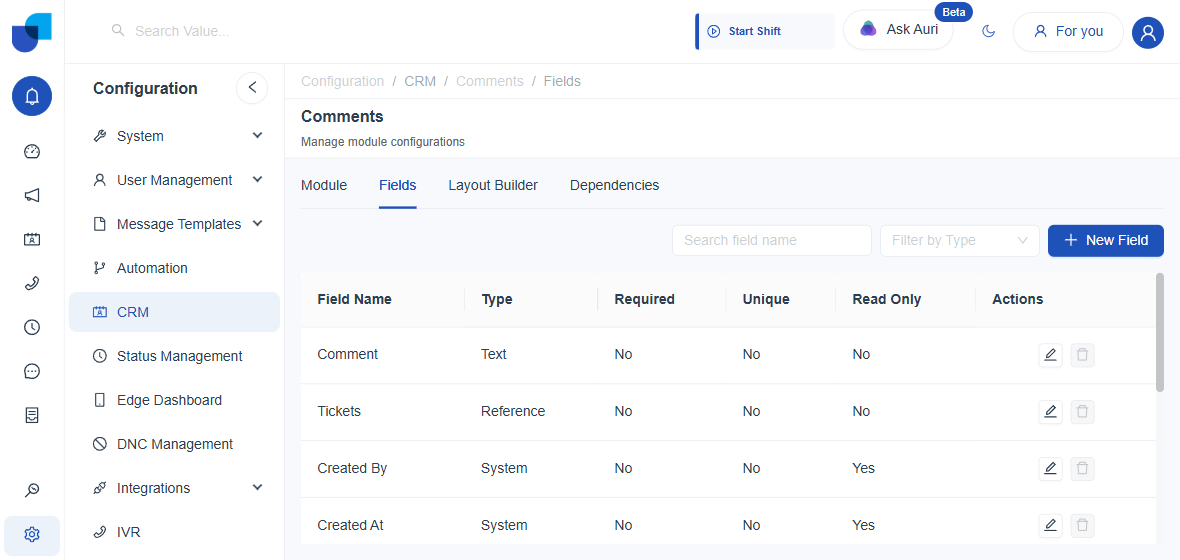
| Source Type | Status | Hidden |
|---|---|---|
| Internal | Active | Yes |
Campaign Uploads - Fields Locked
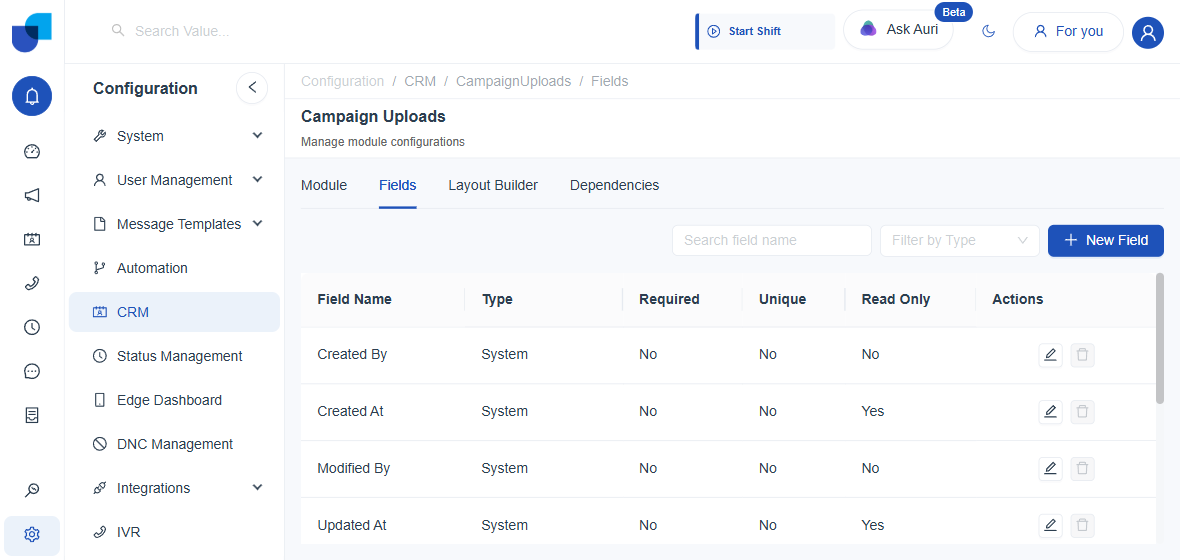
Campaign Uploads tracks bulk campaign file uploads. Unlike the modules above, its Module tab has no name, description, or icon fields to edit: only a Display Fields selector (locked to ID) and an Edit Module button. No Status or Hidden toggle appears anywhere on this module's Module tab.
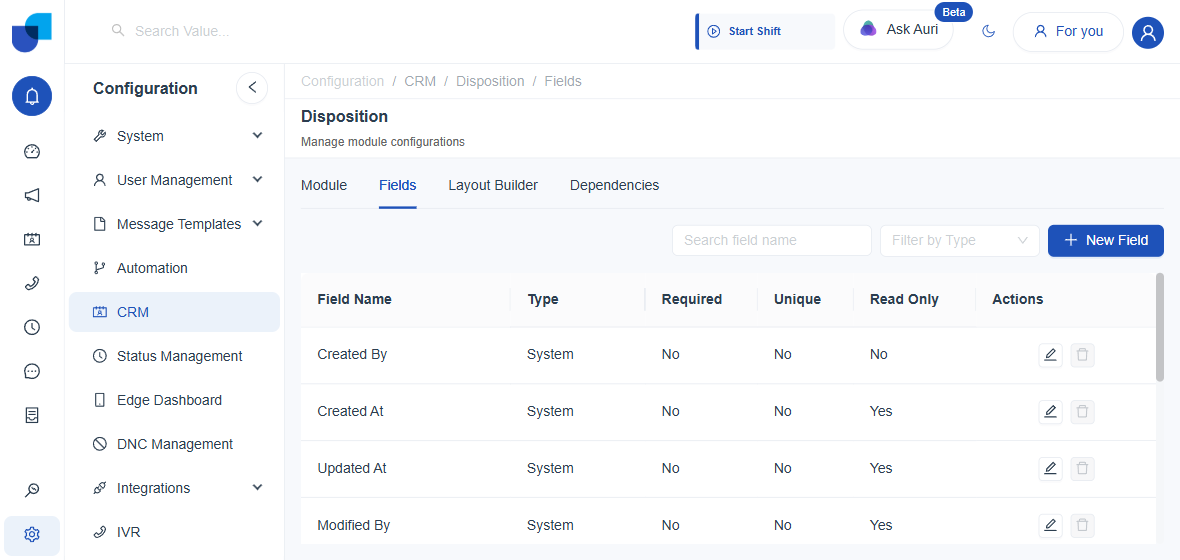
Disposition - Fields Locked
Campaign Disposition module to track call outcomes and follow-up actions. Disposition follows the same pared-down Module tab pattern as Campaign Uploads: Display Fields (ID) and Edit Module only, no Status or Hidden switch visible.
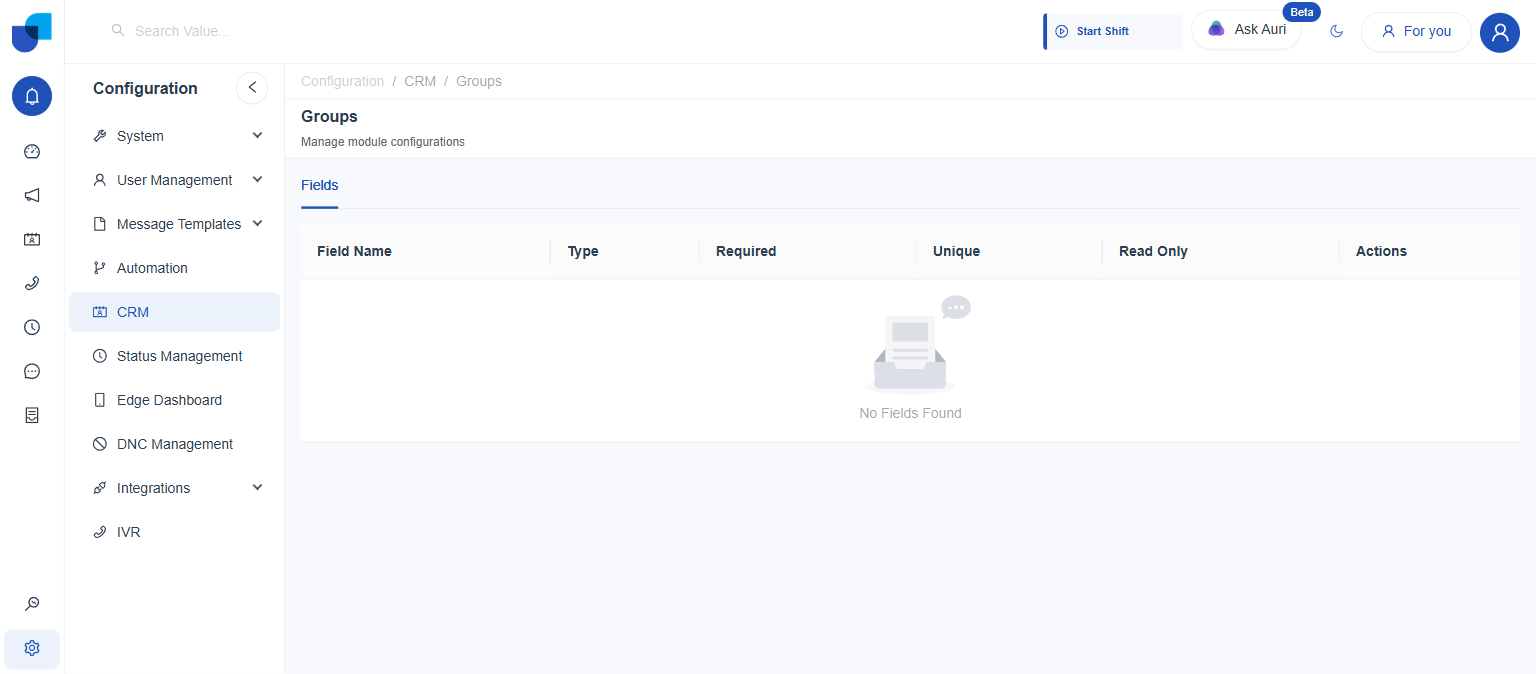
Groups - Display Only
Module for managing user groups and permissions. The most restricted of the eleven: only a Fields tab is shown (no Module, Layout Builder, or Dependencies tab), and it reports No Fields Found. The schema is fully system-managed and not exposed here. With no Module tab, there's no Status or Hidden toggle to read either.
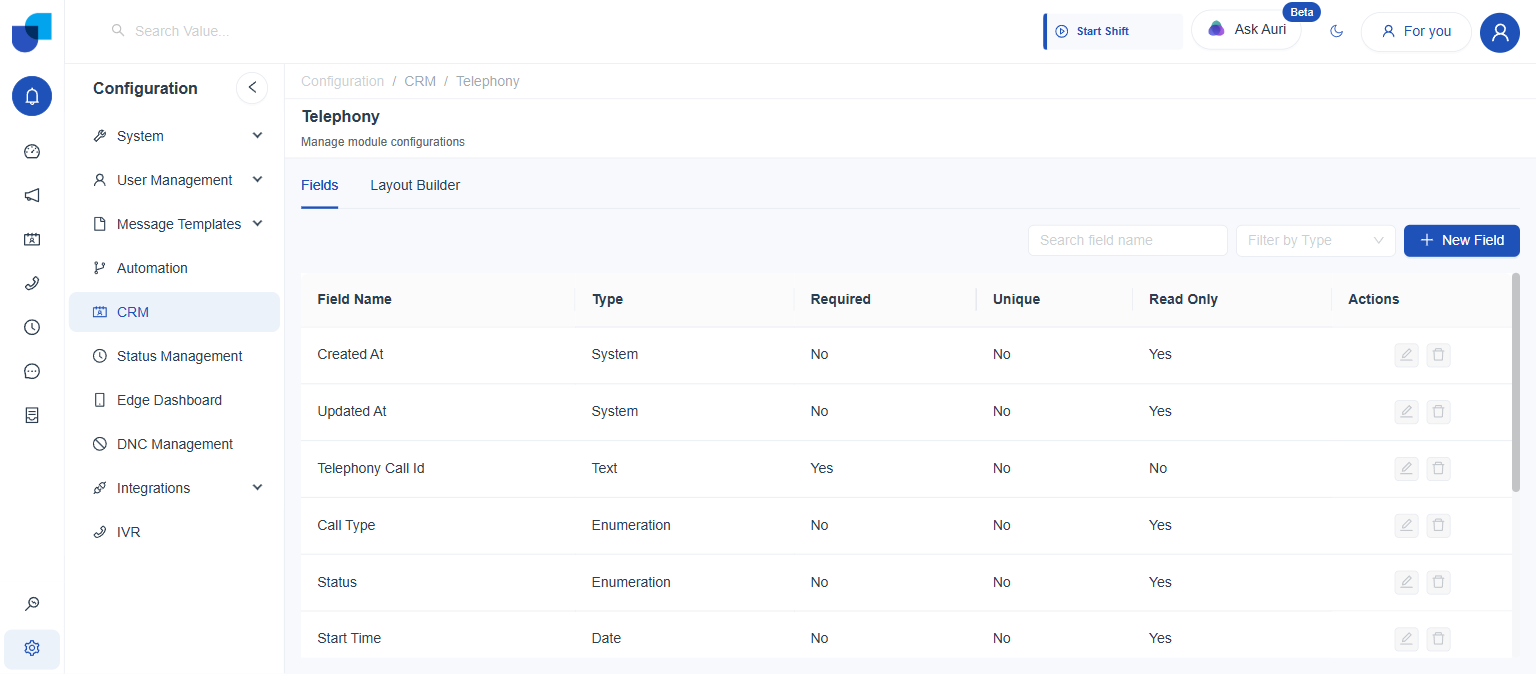
Telephony - Display Only
Voice provider management and configuration. Has Fields and Layout Builder tabs (no Module or Dependencies tab), and every field's edit/delete action stays greyed out, since this module logs live call metadata, so its schema is fixed. No Status or Hidden toggle is exposed, matching Groups.
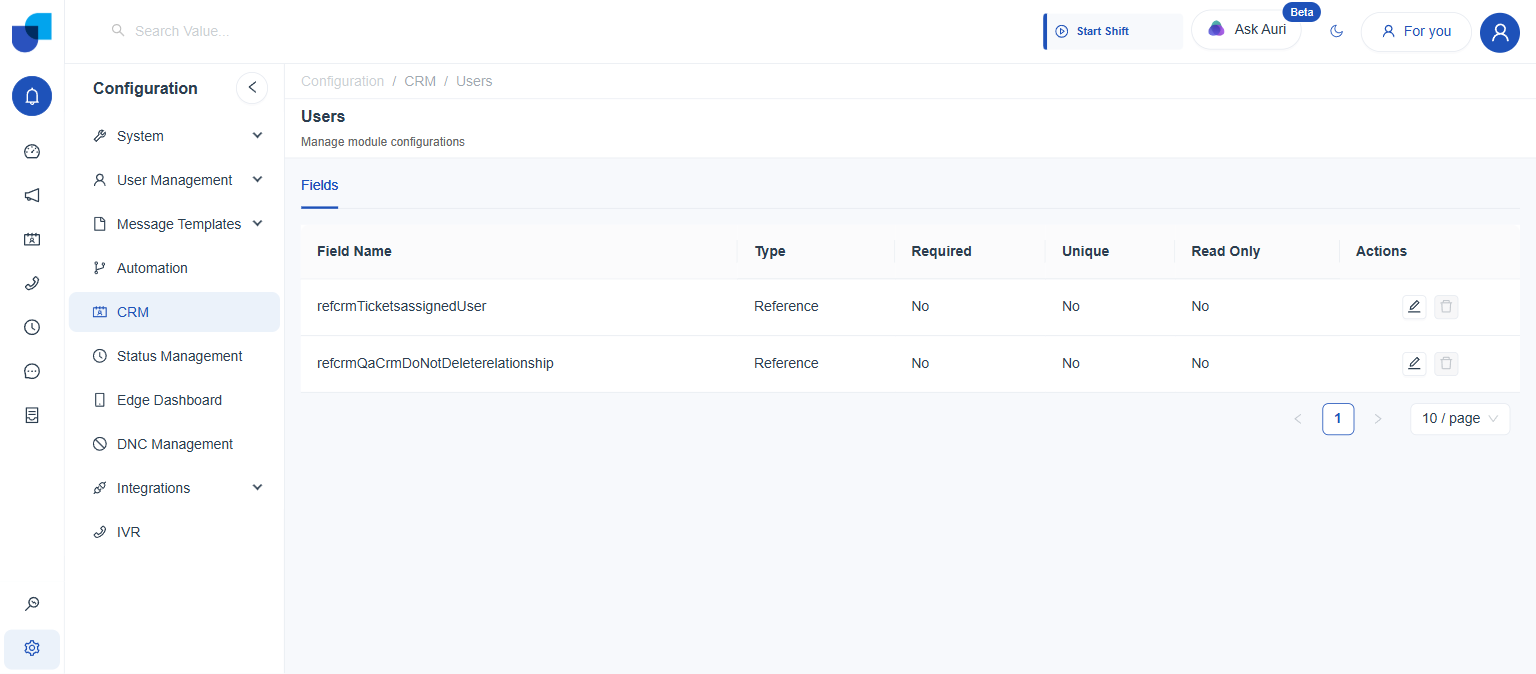
Users - Display Only
User module for managing user accounts and settings. Only a Fields tab is shown, and its fields appear automatically whenever another module adds a Relationship field pointing to Users, each generating a matching Reference field here. No Module tab means no Status or Hidden toggle either.